




Project Scheduling Software
for Project Managers
Project managers need to organize activities, coordinate teams, and track project progress to guarantee delivery on time. Visual Planning gives project managers a structured scheduling environment and a clear view of every project's status at every stage.
The Scheduling Challenges Project Managers Face
Lack of progress visibility
Difficulty tracking task completion across concurrent workstreams
No clear view of project phases and where things actually stand
Hard to identify delays before they cascade into delivery failures
Priority and deadline management
Difficulty adjusting schedules when priorities shift mid-project
Unclear impact of changes on downstream deadlines
No proactive way to anticipate delays before they hit
Cross-team coordination
Difficulty coordinating across multiple teams and stakeholders
No shared view of active activities across the project
Communication gaps between contributors slow everything down
Structure Your Project Schedule From Day One
Visual Planning gives project managers the tools to organize project activities in a clear, shared schedule that every stakeholder works from.
✓ Plan tasks and project phases in a structured timeline
✓ Visualize dependencies between activities
✓ Structure phases and work packages clearly
✓ Anticipate delay risks before they become delivery problems
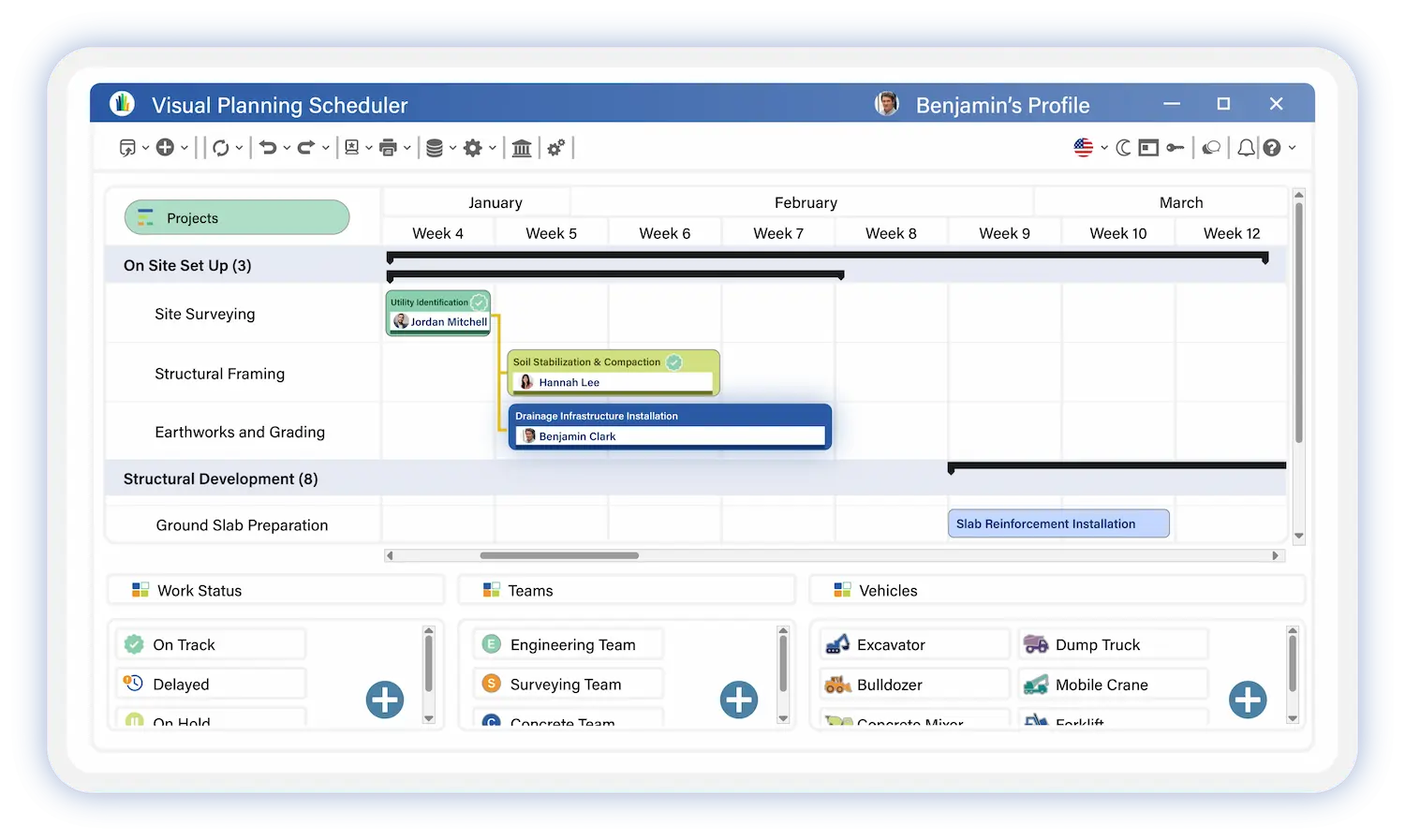

Track Project Progress
in Real Time
Effective project management requires a clear view of activity progression at all times. Visual Planning gives project managers the live visibility they need to stay ahead.
✓ Track task completion across every active workstream
✓ Identify late activities before they impact the critical path
✓ Analyze project progression against the original baseline
✓ Adjust the schedule when conditions change
Coordinate Project Teams Without the Back-and-Forth
Project success depends on team coordination. A shared schedule aligns everyone on priorities, eliminates information gaps, and keeps communication focused on what matters.
✓ Align teams on project priorities from one shared view
✓ Give every contributor visibility into the project schedule
✓ Improve communication around tasks, milestones, and dependencies

Built for Every Organization Size
Visual Planning is a team scheduling software designed to address the specific challenges
of each job role. From operations management to HR oversight, our solution adapts
to your responsibilities and on-the-ground constraints.
Small Business
Structure project organization and schedule activities as your projects and teams multiply.
Mid-Market
Coordinate multiple project teams with centralized scheduling and better cross-team visibility.
Large Enterprise
Manage complex project portfolios at scale across multiple sites and business units.
Built for Every Project Type

Production and Industrial Projects
Synchronize resources and production schedules to prevent operational gaps.
→ Plan production activities
→ Optimize team workload
→ Manage operational constraints
Maintenance and Field Service Projects
Organize technical teams and improve operational responsiveness.
→ Schedule maintenance interventions
→ Assign technicians based on skills and availability
→ Track operations in real time

Internal Projects and HR Initiatives
Structure internal projects and improve cross-team collaboration.
→ Plan deployments and rollouts
→ Coordinate internal teams
→ Track key milestones and deliverables
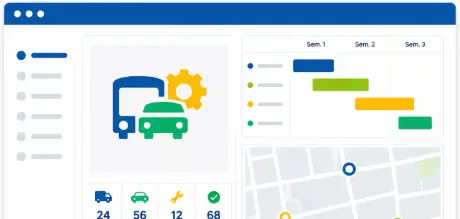
Fleet and Asset Projects
Manage projects involving equipment and field resources without availability conflicts.
→ Track asset utilization across the project
→ Schedule without resource conflicts
→ Protect project deadlines

IT and Digital Transformation Projects
Plan sprints, coordinate development teams, and protect delivery commitments.
→ Visualize task dependencies
→ Track progress in real time
→ Meet your release deadlines
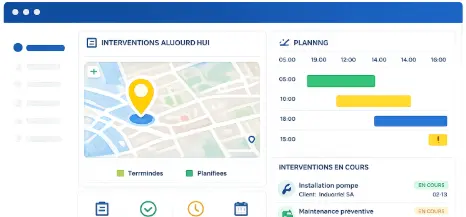
Construction and Field Projects
Stay in control of job site operations and field team coordination.
→ Track job site progress
→ Coordinate subcontractors and trade crews
→ Anticipate delays before they hit
Built for Every Industry
We serve a wide range of industries, each with its own unique business challenges
Production and Industrial Projects
Synchronize resources and production schedules to prevent operational gaps.
Examples of use:
- Plan production activities
- Optimize team workload
- Manage operational constraints
Transportation and Logistics
Route planning, driver scheduling, and management of mandatory driving and rest periods.
Example of use:
- Route planning
- Driver assignment
- Real-time vehicle tracking
Field Services
Scheduling of technician visits, multi-site management, and monitoring of customer satisfaction.
Example of use:
- Technician scheduling
- multi-site management
- SLA tracking
Healthcare and Social Services
Scheduling of healthcare teams, on-call duty management, and compliance with staffing ratios and regulatory requirements.
Example of use:
- Clinical team scheduling
- Shift management
- Regulatory compliance
Retail & Distribution
Store staffing planning, adjusting to foot traffic, and managing cashier skills.
Example of use:
- In-store workforce scheduling
- Demand forecasting
- Labor cost optimization
Maintenance and After-Sales
Planning preventive and corrective maintenance, managing spare parts, and tracking contracts.
Example of use:
- Preventive and corrective maintenance scheduling
- Parts management
- Contract reporting
Trusted By


Secure data hosting
GDPR compliant
Certified data centers
48-hour deployment
Guided onboarding included
5-day expert support
A dedicated team that understands your business and your challenges
Fast ROI
from the first months of use
Project Scheduling Software
Frequently Asked Questions
What is project scheduling software for project managers?
Project scheduling software gives project managers a centralized platform to plan tasks, track milestones, coordinate teams, and monitor project progress in real time. It replaces disconnected spreadsheets and status meetings with one live view of every task, dependency, and deadline across every active project.
How does Visual Planning help project managers prevent delays?
Visual Planning detects schedule risks automatically. Overloaded resources, missed milestones, and task dependencies at risk surface as alerts before they cascade into delivery failures. Project managers simulate the impact of changes before committing and adjust the schedule while there is still time to act.
Can Visual Planning manage multiple projects simultaneously?
Yes. Visual Planning is built for multi-project management. Project managers get a consolidated view across every active project with resource conflict detection, priority management tools, and automated progress reports — all from one platform.
How does milestone management work in Visual Planning?
Project managers define milestones directly in the project schedule to mark critical delivery moments — phase completions, deliverable sign-offs, and contractual deadlines. Milestone status updates automatically as tasks are completed, and alerts notify the project manager when a milestone is at risk.
Can Visual Planning handle schedule changes and impact simulation?
Yes. Visual Planning's scenario planning tools let project managers test the impact of schedule changes, resource availability changes, and priority shifts before committing. This eliminates the guesswork from replanning and gives project managers confidence in every schedule decision.
How long does it take to get a project up and running in Visual Planning?
Most project teams are operational within a few days. A dedicated implementation consultant configures Visual Planning to your project structure, team organization, and existing tools. Training for project managers and team members is included in every deployment.
Your Projects Deserve Better Than Spreadsheets and Last-Minute Fire Drills.
Join the project managers who use Visual Planning to protect every deadline, coordinate every team, and deliver every project on time.