




Resource Planning Software for Resource Planners
Plan teams, balance workloads, and optimize resource utilization — in one shared schedule.
Resource planners need to organize activities, balance workloads, and maximize team utilization. Visual Planning gives resource planners the tools to schedule resources, track availability, and coordinate activities across multiple concurrent projects from one centralized platform.
Plan Resources Effectively Across Every Activity
Resource planners organize teams and available capacity to meet operational needs. Resource planning means distributing resources across activities while accounting for priorities, deadlines, and organizational constraints. Visual Planning centralizes all resources in one shared schedule so planners can act with confidence.
✓ Schedule teams and resources across time in one unified view
✓ Visualize resource availability across every team and department
✓ Organize activities based on operational priorities
✓ Coordinate multiple concurrent projects and activities simultaneously
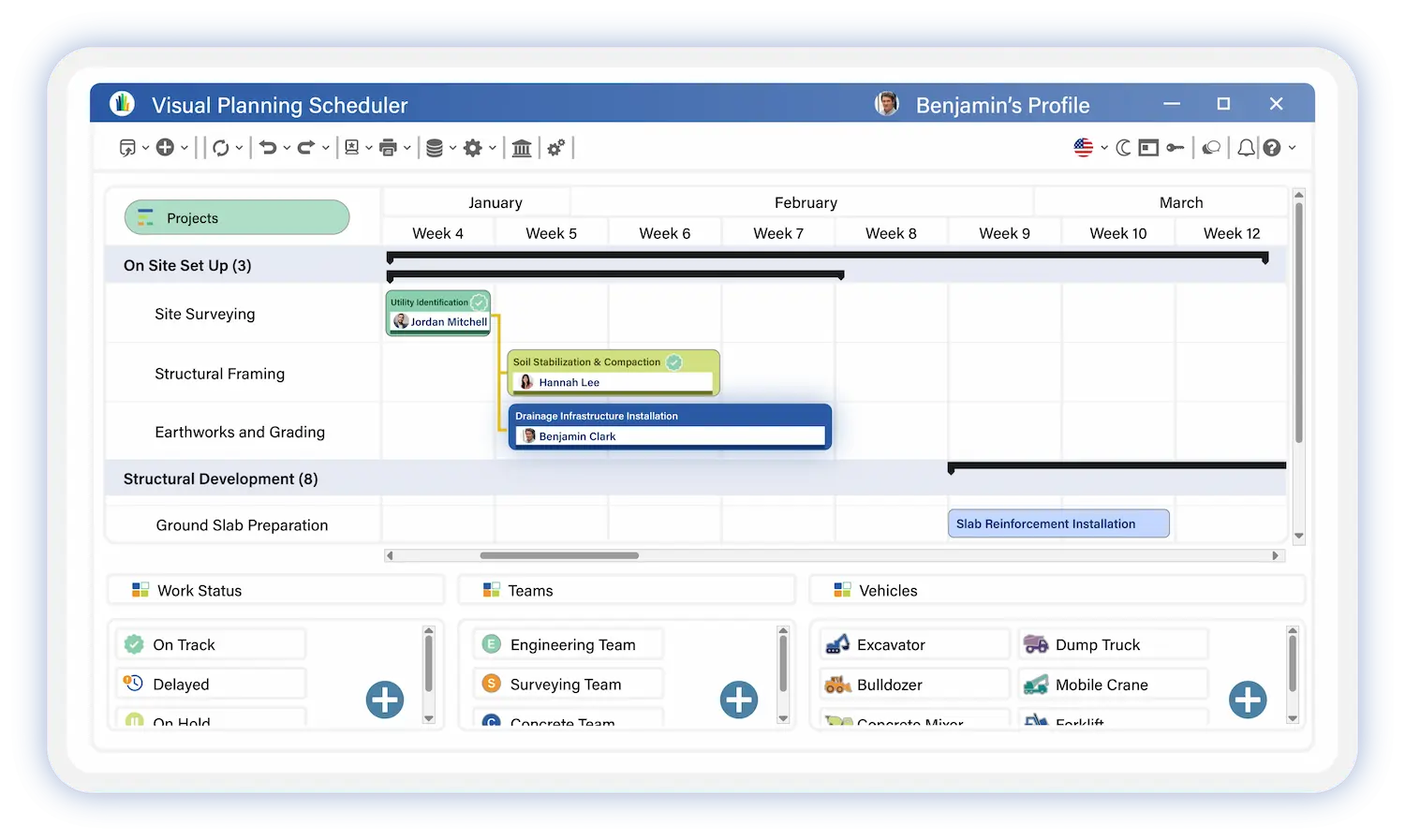

Balance Team Workload Across Every Resource
One of the core challenges for resource planners is preventing overload on some resources while others sit underutilized. A balanced workload distribution optimizes resource utilization while keeping the organization running efficiently.
Visual Planning gives planners the data to act before imbalances create operational problems.
✓ Team workload by person, department, and period
✓ Available capacity across every resource in the organization
✓ Activity distribution view across the schedule
✓ Overloaded and underutilized periods identified automatically
Manage Availability and Skills Across Your Teams
Resource planning must account for team availability, required skills, and organizational constraints. Resource planners need to ensure the right resources are assigned to the right activities. Visual Planning centralizes resource information to make assignment decisions fast and accurate.
✓ Visualize resource availability across every team in real time
✓ Identify the skills required for each activity or project
✓ Assign resources based on qualifications and current workload
✓ Optimize team utilization across the entire organization


Anticipate Future Resource Needs Before They Become Constraints
Resource planners need to look ahead to prevent operational constraints and maintain organizational flow. Visual Planning analyzes workload trends and surfaces future resource needs before they create pressure.
✓ Analyze future workload across teams and departments
✓ Identify high-activity periods before they create overloads
✓ Anticipate additional resource needs in advance
✓ Adjust scheduling based on evolving priorities
✓ Simulate multiple planning scenarios before committing
Built for Every Organization Size
Visual Planning is a team scheduling software designed to address the specific challenges
of each job role. From operations management to HR oversight, our solution adapts
to your responsibilities and on-the-ground constraints.
Small Business
Structure team organization and schedule resources as your projects and workload multiply.
Mid-Market
Coordinate multiple teams and departments with centralized resource scheduling and better cross-team visibility.
Large Enterprise
Manage complex resource portfolios at scale across multiple sites and business units.
Built for Every Industry
Visual Planning is a team scheduling software designed to address the specific challenges
of each job role. From operations management to HR oversight, our solution adapts
to your responsibilities and on-the-ground constraints.
Manufacturing and Production
Optimization of production schedules, management of work orders, synchronization with MES and ERP.
Examples of use:
- Production schedule optimization
- Work order management
- MES and ERP synchronization
Transportation and Logistics
Route planning, driver scheduling, and management of mandatory driving and rest periods.
Examples of use:
- Route planning
- Driver assignment
- regulatory driving time management
Field Services
Scheduling of technician visits, multi-site management, and monitoring of customer satisfaction.
Examples of use :
- Technician scheduling
- Multi-site management
- SLA tracking
Healthcare and Social Services
Scheduling of healthcare teams, on-call duty management, and compliance with staffing ratios and regulatory requirements.
Examples of use:
- Clinical team scheduling
- Shift management
- Regulatory compliance
Retail & Distribution
Store staffing planning, adjusting to foot traffic, and managing cashier skills.
Examples of use:
- In-store workforce scheduling
- Demand forecasting
- Labor cost optimization
Maintenance and After-Sales
Planning preventive and corrective maintenance, managing spare parts, and tracking contracts.
Examples of use:
- Preventive and corrective maintenance scheduling
- Parts management
- Contract reporting
Manage Every Operation From One Platform

Workforce Scheduling
Centralize headcount, time off, skills, and certifications. HR planning that scales with your team.
>

Field Service Management
Schedule technicians, dispatch faster, and track every work order from open to closed.
>
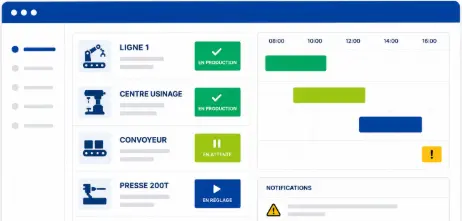
Production Scheduling
Plan operations, track performance, and optimize resources across every production run.
>
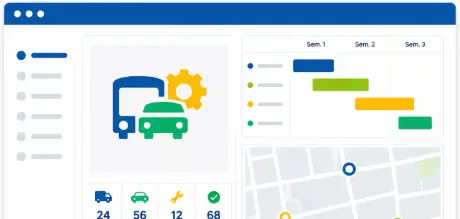
Fleet and Asset Management
Full visibility over vehicles and equipment. Utilization, maintenance, and availability in one place.
>

Project Management
Plan, assign, and track project progress in real time. Deadlines stay protected, not discovered at risk.
>

Construction Scheduling and Site Tracking
Coordinate field crews, track job site progress, and keep every project on budget and on time.
>
Trusted By


Secure data hosting
GDPR compliant
Certified data centers
48-hour deployment
Guided onboarding included
5-day expert support
A dedicated team that understands your business and your challenges
Fast ROI
from the first months of use
Resource Planning Software Frequently Asked Questions
What is resource planning software for resource planners?
Resource planning software gives resource planners a centralized platform to schedule teams, track availability, balance workloads, and coordinate activities across multiple concurrent projects. It replaces disconnected spreadsheets and manual coordination with one live view of every resource, assignment, and capacity constraint across the organization.
How does Visual Planning help resource planners prevent overloads and underutilization?
Visual Planning gives resource planners a real-time workload view across every team member and department. Overloads and underutilized capacity are detected automatically before they create operational problems. Planners rebalance assignments directly in the schedule with drag-and-drop and run forward-looking capacity reports to anticipate imbalances weeks in advance.
Can Visual Planning handle skills-based resource assignment?
Yes. Visual Planning tracks skills, certifications, and qualifications by team member. When assigning resources to an activity or project, planners filter available staff by the specific skill or credential the work requires — matching the right person to the right assignment in seconds.
How does scenario planning work in Visual Planning?
Visual Planning lets resource planners model multiple scheduling scenarios before committing to a plan. Planners simulate the impact of new projects, resource changes, and priority shifts on existing commitments — then compare scenarios side by side to choose the best path forward without disrupting current operations.
Can Visual Planning manage resources across multiple sites and teams simultaneously?
Yes. Visual Planning manages resources across multiple sites, departments, and business units from one platform. Each team or site manages its own scope while resource planners maintain a consolidated view of utilization, availability, and conflicts across the entire organization.
How long does it take to get up and running as a resource planner?
Most resource planning teams are operational within a few days. A dedicated implementation consultant configures Visual Planning to your team structure, resource categories, and existing tools. Training for resource planners and team managers is included in every deployment.
Your Resources Are Your Most Critical Asset. Start Planning Them Like It.
Join the resource planners who use Visual Planning to balance workloads, optimize utilization, and keep every project and operation on track.